In today’s fast-paced business environment, small businesses are increasingly relying on technology to stay competitive. Cloud computing has become one of the most essential tools for helping businesses grow and scale without breaking the bank. Whether you’re running a retail shop, a marketing agency, or a tech startup, adopting cloud-based solutions can offer you significant advantages in terms of cost, flexibility, and productivity.
But why exactly should small businesses care about cloud computing? Well, it’s simple: the cloud offers affordable, scalable, and secure solutions that are perfectly suited for businesses with limited resources. In this article, we’ll explore the many benefits of cloud computing for small businesses and why it should be a core part of your strategy for growth.
What is Cloud Computing?
Before diving into the benefits, let’s define what cloud computing is. Simply put, cloud computing refers to the delivery of computing services—like storage, processing power, and software—over the internet (“the cloud”). This means that instead of storing data and running applications on local servers or personal devices, businesses can access these resources remotely from cloud providers.
For small businesses, this translates into a highly efficient way to manage and store data without the need for expensive infrastructure or extensive IT support.
Top Cloud Computing Benefits for Small Businesses
Let’s explore the main benefits that cloud computing brings to small businesses. These advantages can help businesses streamline operations, reduce costs, and improve their overall efficiency.
Cost Efficiency
One of the most compelling reasons to switch to cloud computing is the potential for significant cost savings. Small businesses often struggle with high upfront capital expenditures for hardware and software, as well as ongoing maintenance costs. Cloud computing removes the need for this hefty investment.
- Reducing Infrastructure Costs: You no longer need to purchase servers, storage devices, or networking hardware. With cloud computing, all infrastructure is maintained by the service provider.
- Pay-As-You-Go Models: Most cloud services operate on a pay-as-you-go or subscription-based model, meaning you only pay for what you use. This is particularly advantageous for small businesses with fluctuating needs.
- Eliminating IT Maintenance: Traditional IT systems require regular maintenance, updates, and security patches. With the cloud, this is all handled by the provider, reducing your IT overhead.
Scalability and Flexibility
Cloud computing is designed to grow with your business. As your business expands or experiences fluctuations in demand, you can easily scale your cloud resources up or down.
- Adjusting Resources as Your Business Expands: If you need more storage or processing power as your customer base grows, the cloud allows you to scale up without having to worry about installing new hardware.
- Avoiding Overcommitting to Hardware and Software: Many small businesses make the mistake of overcommitting to on-premise hardware and software, which can quickly become outdated. With the cloud, you only pay for what you need, avoiding wasteful investments.
- Meeting Fluctuating Demands: Whether you’re running a seasonal business or experiencing an unexpected spike in customers, the cloud can accommodate sudden changes in demand, ensuring that your business stays operational.
Collaboration and Productivity
Cloud-based tools offer a significant boost to collaboration and productivity. With cloud computing, your team can work together more efficiently, even if they are spread out across different locations.
- Real-Time Collaboration Tools: Cloud platforms like Google Workspace, Microsoft 365, and Slack enable real-time collaboration. Your team can work on documents, spreadsheets, and presentations simultaneously, without worrying about version control.
- Streamlined Communication: Integrated tools for messaging, video conferencing, and file sharing make communication easier and more efficient.
- Seamless File Sharing and Access: With cloud storage, such as Dropbox or Google Drive, files are easily accessible and can be shared with anyone, anywhere, eliminating the need for email attachments or USB drives.
Enhanced Security
Security is a major concern for small businesses, especially when handling sensitive customer data. Cloud providers invest heavily in advanced security measures to protect their clients’ data.
- Cloud Providers’ Security Measures: Leading cloud providers offer robust security features, including encryption, firewalls, and multi-factor authentication to protect your data from unauthorized access.
- Data Encryption and Backup: Cloud services automatically encrypt your data both during transmission and at rest. Additionally, regular backups ensure that your data is safe even in the event of hardware failure.
- Risk Management and Compliance: Many cloud providers adhere to industry standards and certifications, ensuring that your business meets legal and regulatory requirements.
Accessibility and Mobility
Cloud computing enables greater flexibility by allowing employees to access business tools and data from virtually anywhere with an internet connection.
- Remote Work Enablement: With cloud-based systems, employees can work remotely without needing to be physically present in the office. This is especially useful for businesses that operate with a distributed or hybrid workforce.
- Access to Business Tools on the Go: Sales teams, customer service reps, and field technicians can access business applications, customer records, and other important data from their mobile devices.
- Business Continuity in Case of Disasters: Cloud computing offers greater disaster recovery options. Even if your physical office is compromised (due to a natural disaster, fire, or theft), you can still access your business systems from another location.
Cloud Service Models for Small Businesses
Cloud computing is not one-size-fits-all. There are different service models that cater to various business needs:
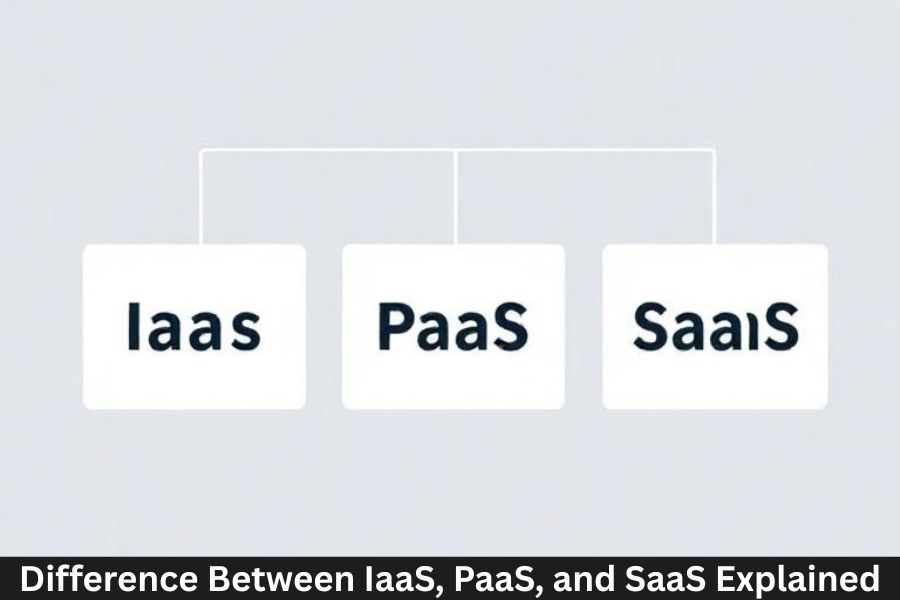
- Software as a Service (SaaS): SaaS providers offer software applications that are accessible via the internet. Examples include email, CRM tools, and accounting software. Small businesses can access these tools without the need for installation or maintenance.
- Platform as a Service (PaaS): PaaS provides a platform for building and deploying applications. It offers developers the tools and infrastructure needed to create custom software solutions.
- Infrastructure as a Service (IaaS): IaaS offers virtualized computing resources like servers, storage, and networking. Small businesses can rent these resources as needed, rather than investing in expensive physical hardware.
Popular Cloud Computing Providers for Small Businesses
There are many cloud service providers catering to small businesses. Some of the most popular ones include:
- Amazon Web Services (AWS): AWS offers a comprehensive range of cloud services, from computing power to storage. Its flexibility and scalability make it ideal for growing businesses.
- Microsoft Azure: Azure is a strong choice for businesses already using Microsoft products. It offers cloud computing, storage, and database services.
- Google Cloud Platform (GCP): Known for its machine learning and data analytics capabilities, GCP is a great choice for startups and tech-focused businesses.
- Dropbox, Box, and Other Cloud Storage Providers: If you’re simply looking for cloud storage and file sharing, Dropbox and Box are popular options with easy-to-use interfaces.
How to Choose the Right Cloud Provider for Your Small Business
Choosing the right cloud provider involves considering factors like pricing, features, and customer support. Small businesses should:
- Assess their specific needs, whether they need SaaS tools, IaaS infrastructure, or a hybrid solution.
- Consider the provider’s reputation for reliability and security.
- Ensure that the pricing fits within the business’s budget while offering the necessary services.
Challenges of Cloud Computing for Small Businesses
While cloud computing offers numerous advantages, it’s not without challenges. Small businesses may encounter:
- A learning curve when transitioning to cloud-based systems.
- Managing subscription costs as the business grows.
- Concerns about data privacy and compliance with regulations.
The Future of Cloud Computing for Small Businesses
As technology continues to evolve, the future of cloud computing looks promising for small businesses. Expect to see more AI-driven services, edge computing, and advanced data analytics in the coming years.
Conclusion
Cloud computing has transformed the way small businesses operate, offering benefits like cost savings, scalability, and enhanced productivity. With the right cloud solutions, small businesses can compete with larger companies, improve collaboration, and ensure greater security for their data. The cloud is no longer a luxury—it’s a must for businesses that want to grow, innovate, and succeed in today’s digital world.
FAQs
What is the best cloud provider for small businesses?
AWS, Microsoft Azure, and Google Cloud are top choices, depending on your specific needs.
Is cloud computing safe for small businesses?
Yes, with proper security measures, cloud services are secure and provide robust data protection.
How much does cloud computing cost for small businesses?
Cloud pricing depends on usage and the service model. Most providers offer scalable pricing options.
Can small businesses use the cloud for remote work?
Absolutely. Cloud-based systems enable employees to access work tools and data remotely from anywhere.
What are the risks of using cloud computing for small businesses?
Risks include data privacy concerns and potential reliance on a third-party service for critical business operations.