When it comes to cloud computing, three terms are commonly thrown around: IaaS, PaaS, and SaaS. But what do they actually mean? And more importantly, how do they differ from one another? In this article, we’ll explore the nuances between these three cloud service models, and why understanding the differences can make a huge impact on your business decisions.
Introduction
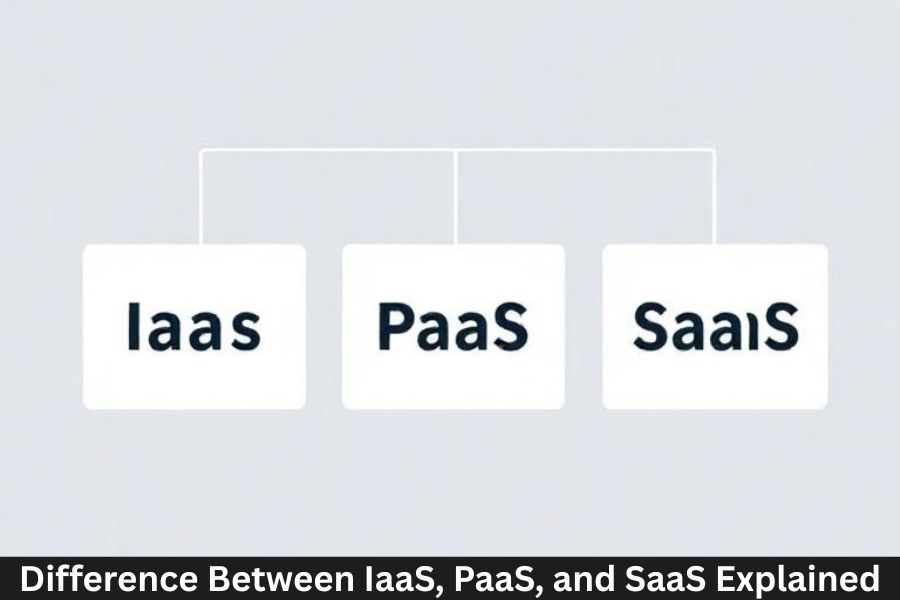
Cloud computing has become the backbone of modern businesses, enabling scalable infrastructure, seamless software access, and platform flexibility. But with various cloud service models available, it’s easy to get confused. At the heart of it all are three key service models: IaaS (Infrastructure as a Service), PaaS (Platform as a Service), and SaaS (Software as a Service).
Each model offers different levels of control, flexibility, and responsibility, which makes understanding them essential for choosing the right solution for your organization.
What is IaaS (Infrastructure as a Service)?
IaaS is the most basic form of cloud service. It provides virtualized computing resources over the internet. Essentially, IaaS offers the infrastructure necessary for running applications, hosting websites, and managing storage.
Key Features of IaaS
- Scalability: Easily scale your infrastructure up or down as needed.
- Pay-As-You-Go: Only pay for the resources you use.
- High Flexibility: Customize your infrastructure to meet specific needs.
Examples of IaaS Providers
- Amazon Web Services (AWS)
- Microsoft Azure
- Google Cloud Platform (GCP)
IaaS provides the virtual machines, storage, and networking required to run applications, but you are responsible for managing the operating system, middleware, and applications on top.
What is PaaS (Platform as a Service)?
PaaS goes a step further by providing not only the infrastructure but also the platform and tools to develop, test, and deploy applications. This means developers don’t have to worry about managing the underlying hardware or software layers.
Key Features of PaaS
- Development Tools: Includes everything from code editing to debugging and deployment tools.
- Middleware Services: Provides services like databases and messaging without manual setup.
- Rapid Deployment: Quickly build and deploy applications with pre-configured platforms.
Examples of PaaS Providers
- Heroku
- Google App Engine
- Microsoft Azure App Services
With PaaS, your focus is on the application, while the platform provider takes care of the infrastructure and runtime environment.
What is SaaS (Software as a Service)?
SaaS is the most familiar cloud service for end-users. It provides software applications over the internet on a subscription basis, eliminating the need for local installation and maintenance.
Key Features of SaaS
- Accessible Anywhere: SaaS applications can be accessed from any device with an internet connection.
- Automatic Updates: Software updates and patches are handled by the provider.
- Subscription-Based: SaaS is usually offered as a monthly or annual subscription.
Examples of SaaS Providers
- Google Workspace (formerly G Suite)
- Salesforce
- Dropbox
SaaS is ideal for businesses that need ready-to-use software solutions without worrying about maintenance or updates.
The Key Differences Between IaaS, PaaS, and SaaS
While all three models fall under cloud computing, they serve different purposes and provide varying levels of control and flexibility.
Comparison of Core Functions
- IaaS: Provides the raw infrastructure for building and managing virtualized resources.
- PaaS: Focuses on the platform for developing and deploying applications without managing underlying hardware.
- SaaS: Delivers fully functional software applications that users access online.
Level of Control and Flexibility
- IaaS: Offers the most control and flexibility but requires managing operating systems, middleware, and applications.
- PaaS: Gives less control than IaaS but offers a platform to build applications more quickly.
- SaaS: The least flexible, as the software is pre-built and users have limited ability to customize.
Cost Structure
- IaaS: Typically operates on a pay-per-use basis for computing resources.
- PaaS: Often priced based on usage, such as the number of developers or the resources consumed.
- SaaS: Usually subscription-based, either monthly or annually.
Which Model is Right for Your Business?
Choosing between IaaS, PaaS, and SaaS depends on several factors, including your business size, technical needs, and budget.
Factors to Consider
- Technical Expertise: If you have a skilled IT team, IaaS offers the flexibility you need. If you’re a developer, PaaS might be ideal. If you’re a non-technical user, SaaS is probably the best option.
- Business Size: Small businesses may find SaaS the most cost-effective, while larger enterprises with complex needs may lean toward IaaS or PaaS.
- Project Type: For hosting websites or virtual machines, IaaS is a good fit. For custom application development, PaaS is the way to go. For standard business applications (CRM, email), SaaS is the best choice.
Advantages and Disadvantages of Each Model
Pros and Cons of IaaS
- Pros: High scalability, complete control over infrastructure, cost-efficient for startups.
- Cons: Requires technical expertise for setup and maintenance, responsibility for security.
Pros and Cons of PaaS
- Pros: Speeds up app development, reduces time-to-market, no need to manage hardware.
- Cons: Less control, limited customization.
Pros and Cons of SaaS
- Pros: Easy to use, no maintenance, subscription-based pricing.
- Cons: Limited flexibility, ongoing subscription costs.
How Do IaaS, PaaS, and SaaS Fit into the Modern Business Landscape?
Each cloud service model plays a crucial role in the digital transformation of businesses. From enabling scalable infrastructure with IaaS to fostering rapid development with PaaS, and providing ready-to-use software solutions with SaaS, businesses now have the tools to stay competitive and agile.
Impact on Small vs. Large Enterprises
- Small Businesses: SaaS provides a cost-effective, low-maintenance solution.
- Large Enterprises: IaaS and PaaS offer the control and flexibility needed for large-scale operations.
Future Trends in IaaS, PaaS, and SaaS
The cloud landscape continues to evolve. Innovations like AI, edge computing, and serverless computing are likely to influence how these models develop. Expect even more integration across IaaS, PaaS, and SaaS, enabling businesses to harness the full potential of the cloud.
Conclusion
Understanding the differences between IaaS, PaaS, and SaaS is crucial for selecting the right cloud service for your business. Whether you need control over your infrastructure, a platform to build applications, or ready-to-use software, there’s a cloud model that fits your needs. By choosing wisely, you can reduce costs, increase efficiency, and scale your business effectively.
FAQs
What are the main differences between IaaS, PaaS, and SaaS?
IaaS offers raw infrastructure, PaaS provides a platform for application development, and SaaS delivers ready-to-use software applications.
Can I switch between IaaS, PaaS, and SaaS as my business grows?
Yes, businesses often transition between cloud models as their needs evolve, particularly as they scale.
Which cloud model is most secure?
Security varies by provider, but all models can be secure if best practices are followed. IaaS offers the most control over security, while SaaS may handle most security concerns for you.
How do I decide between IaaS, PaaS, and SaaS for my startup?
Start with SaaS for essential software needs, PaaS if you plan to develop custom applications, or IaaS if you need full infrastructure control.
Can I use multiple cloud models together?
Yes, many businesses use a combination of IaaS, PaaS, and SaaS to meet different needs across their operations.